 English
  French
  Dutch
Dutch  German

Is this application ready to retire?
A legacy application can be switched off only when the information people still need has a clear, controlled future.
Use the checklist to identify ownership, scope, records, metadata, access and evidence gaps before the shutdown decision.
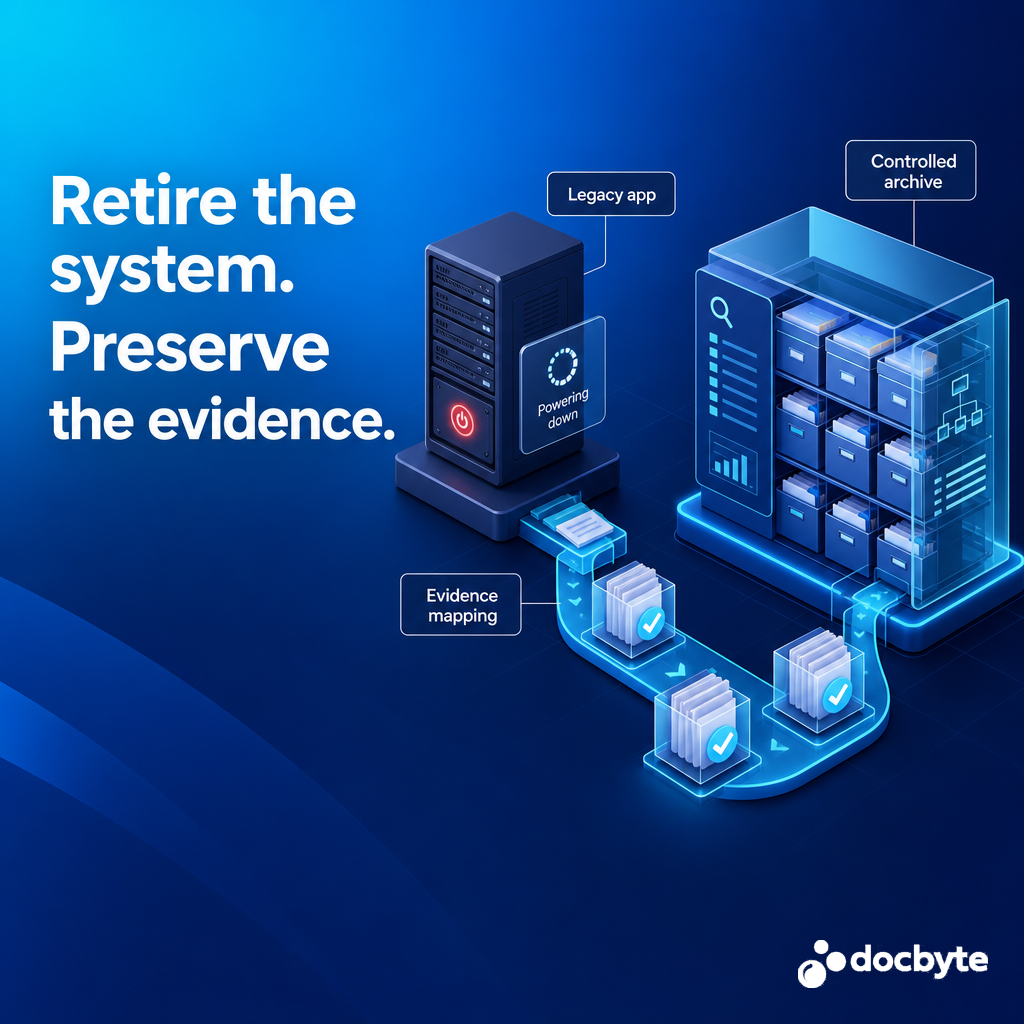
Retirement is more than decommissioning
A database export or folder of PDFs may preserve content while losing relationships, provenance, metadata or practical access.
The checklist gives IT, application owners, records, compliance and business stakeholders a shared starting point for the retirement conversation.
If teams use those terms differently, start with the Application Retirement Glossary and Terminology Guide before completing the checklist.
Who decides what must survive?
Which records, objects and relationships are included?
How will completeness and integrity be demonstrated?
How will authorised users retrieve information later?
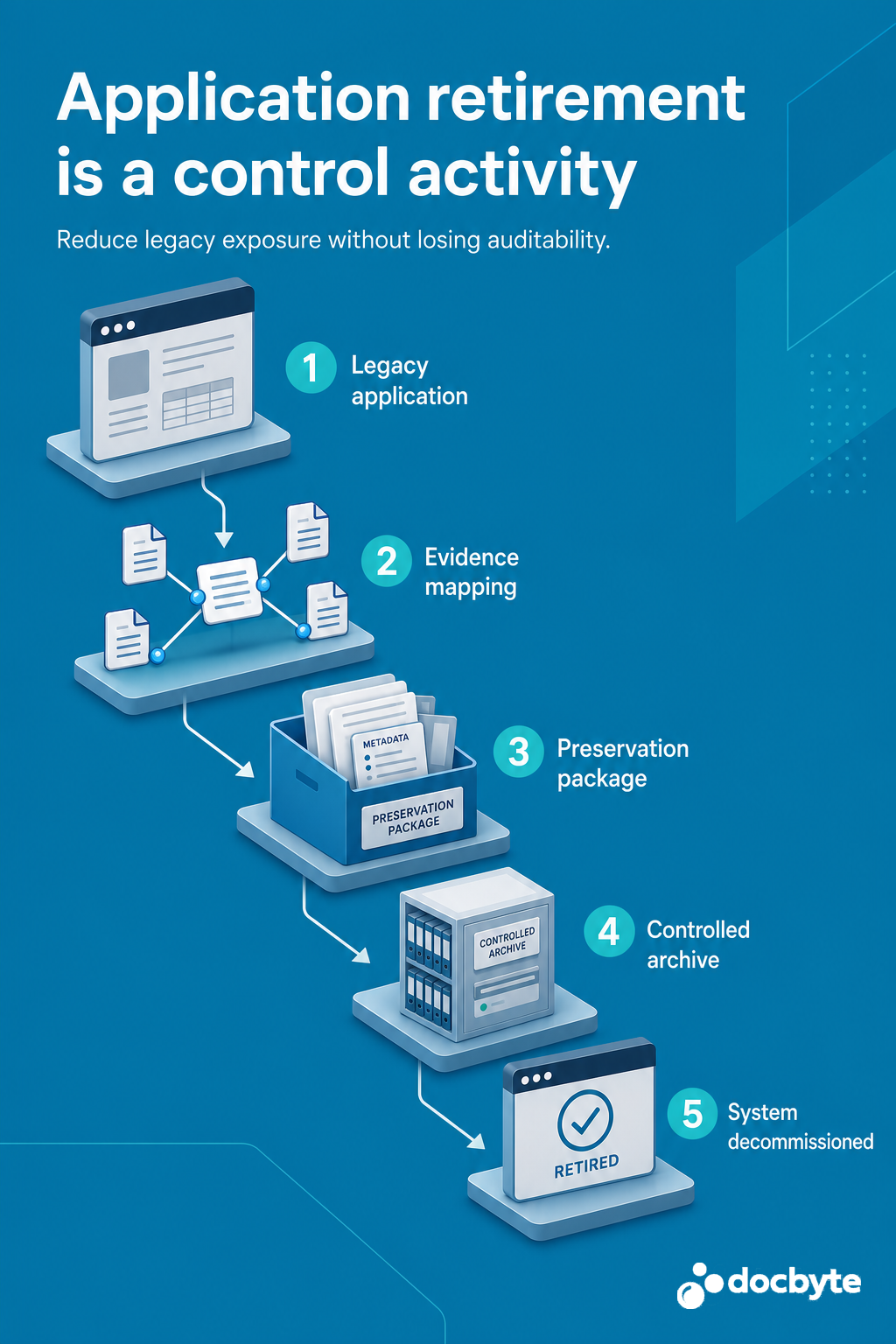
Make the retirement path visible
Use the checklist before the source application is switched off, while the records, subject-matter experts and decision history are still available.
Assess one legacy application
If the checklist exposes material gaps, bring the application name, retirement horizon, high-level data inventory and known retention requirements to a focused scoping conversation.