English
  French
  Dutch
Dutch 
- Agile Digital Vault
- Solutions
Solutions
Popular Solutions
Featured Case Studies
Solutions
Popular Solutions
Featured Case Studies
- Industries
- Resources
- Company
The Agile Digital Vault
We help you in becoming a fully digital company in a compliant way.
Secure and Preserve all digital information with our state-of-the-art Agile Digital Vault. Guaranteeing authenticity, integrity and accessibility for years to come.
Protect and maintain the integrity of your electronic signatures, reinforcing the authenticity and credibility of your documents.
We can help you put in place a solution that adheres to the Belgian Digital Act and eIDAS, guaranteeing the authenticity of information with a legal retention period.
Request documents directly from your customers via app or portal. Have them (cross-)checked and the data sent to the correct systems.
Harness the power of AI to read and understand your documents. We make sense of the content, making every document work smarter for you.
Transform information from every incoming channel (including physical mail) into data and have it sent and archived in the proper systems.
Streamline your email communications; our system efficiently processes and categorizes your messages, ensuring nothing slips through the cracks.
Properly archive all incoming and outgoing correspondence. All actions are audited and information can be dispatched to the right collaborators.
Automatically Extract the proper data from (un)structured and complex documents. Our solution can automatically apply the proper business rules and validate the data.
Gone are the days of manual payslip validation. We extract the key information and provide you with the verified data.
Smoothly onboard your customer, by providing your customer with the tools to easily provide the necessary documents. They are presented to you as a case, in which the documents have been verified and the data extracted.
Boost your business operations—upgrade your paper-based processes to modern, compliant digital alternatives that are easier to manage and search. Discover how our technology solutions can speed up your KYC and application processes while preventing fraud and ensuring regulatory compliance. Attracting new customers will be the cherry on top of your success.
Keep what's essential and know when to let go. Our system manages data retention, ensuring compliance without the clutter. We can even classify your information in an automated way and apply the right retention rules.
Wave goodbye to legacy applications and sunset them safely and securely. We can help preserve the vital data and any other data and documents that you need to retain for compliance reasons from carved out IT-systems.
Take care of systems that aren’t part of your core activities, but that you need to process and preserve vital information.
Provide an agile digital vault, that allows your team members and customers to find the right information in a compliant way.
Drastically shorten compliance processes by extracting data, validating data and digital signatures.
By adding our APIs to your IT solutions, you can greatly improve and automate compliance processes. We have APIs to validate and preserve electronic signatures and documents, to verify documents and to create documents.
…
Docbyte helps you to make it easier to modernize your IT landscape and to have your team focus on your core business, while ensuring better interoperability and compliance.
Create an extra layer of protection against cyber threats with data that remains unaltered and tamper free. Ensure Business Continuity by preserving your vital records in a secure Digital Vault.
Reduce your carbon footprint by going fully digital. Reduce your Total Cost of your IT-environment and ensure the longevity of your organization with adequate and compliant digital preservation technologies.
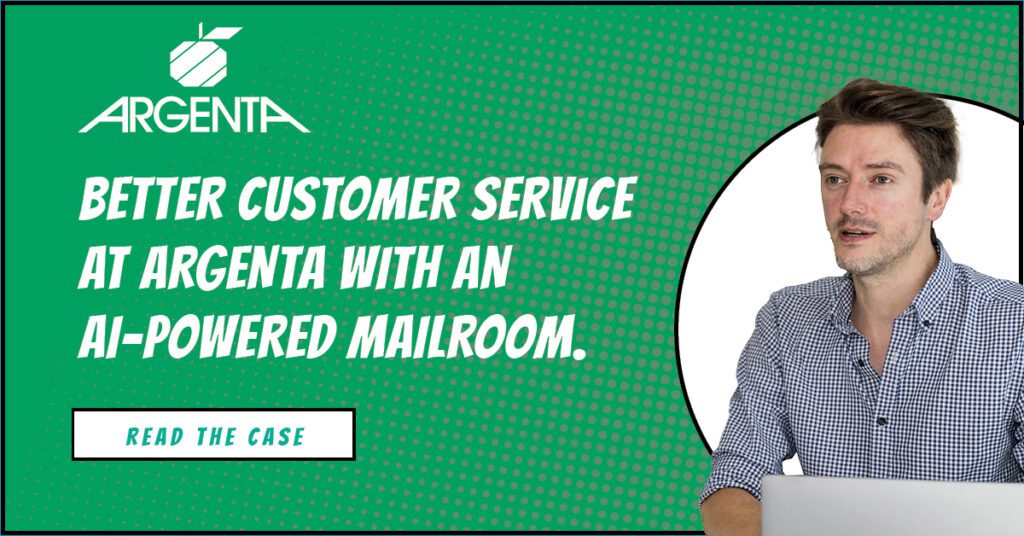
The P&V Group (P&V, Vivium and Actel) offers a wide range of insurance solutions to private persons, self-employed individuals, companies and organizations. The many products and services are distributed through an extensive network of exclusive advisors and independent brokers who act as the privileged contacts for the customers. Inherent to the business of insurance companies is the compulsory, extensive and diverse correspondence that needs to be handled on a daily basis.

Productivity increased by 30% thanks to the elimination of the backlog and reducing record handling times.
Who: Insurance company working daily with over 1,200 independent insurance agents and manages 160,000 contracts for 115,000 customers.
Challenge: The paper workflow was overstretched, and slowed down operations to an unacceptable level. Digitization of the business administration was quickly becoming compulsory.
Together we add Trust to the Digital Transformation of your Business

Docbyte’s Correspondence Management Solution has revolutionized our customer interaction process, resulting in enhanced efficiency and customer satisfaction.

Since integrating Docbyte’s long-term archiving solution, we’ve managed to maintain our records in an organized, easily accessible manner. It’s truly a game changer.
From Queries to Clarity: Docbyte’s Answers to Your Most Pressing Questions
We are specialized in the proper digital preservation, in line with international standards, of Digital Information and in applying Machine Learning techniques for automatically classifying that information.
Our solutions are based on the ISO 14721 and applicable ETSI standards. We create the proper evidences to guarantee authenticity.
Yes! We can help with streamlining document collection, anonymization of data, data verification and signature validation during onboarding processes.
We are ISO 27001 and eIDAS certified. We adhere to the most stringent secure standards.
With services like Automated Retention Management and Application Retirement, we ensure documents and data are stored, archived, or discarded according to best practices and regulations.
The Docbyte platform helps you to add an extra layer of Trust to your Digital Transformation, by helping you verify and classify information and securely preserving your records.
BE0880119503
+32 9 242 87 30
Kortrijksesteenweg 1144 B
9051 Gent Belgium